Dev License: This installation of WHMCS is running under a Development License and is not authorized to be used for production use. Please report any cases of abuse to abuse@whmcs.com
How to Change the Plesk Account's Contact Details
Follow these steps to change your Plesk account's contact details.
1. Log in to your Plesk account.
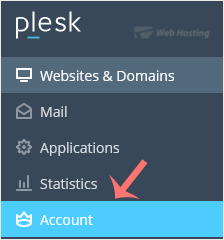
2. Click on Account from the Sidebar Menu.
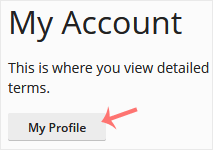
3. Click on My Profile.
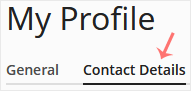
4. Click on Contact Details.
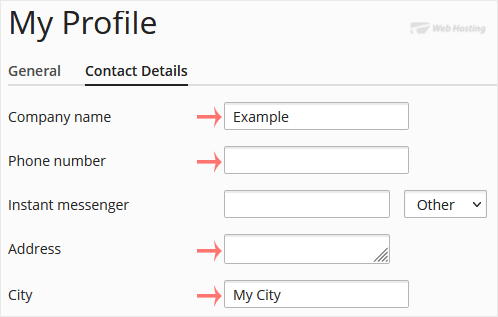
5. Update the details as per your requirements.
6. Click Apply.
You will see a success message signifying that your Plesk contact details have changed.
- 0 Users Found This Useful
Related Articles
How to Log in to Plesk
A tutorial on how to access the Plesk Control Panel.
After you place an order and make a...
Powered by WHMCompleteSolution