Dev License: This installation of WHMCS is running under a Development License and is not authorized to be used for production use. Please report any cases of abuse to abuse@whmcs.com
How to Check Disk and Bandwidth Usage in Plesk
You can quickly check disk and bandwidth usage in Plesk.
1. Log in to your Plesk account.
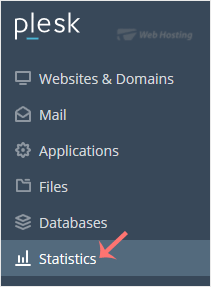
2. Click on Statistics from the Sidebar Menu.
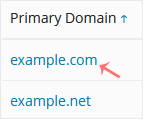
3. Click on the appropriate domain in case of multiple domains.
4. You can see the disk usage from the left side. The right side displays your traffic/bandwidth usage.
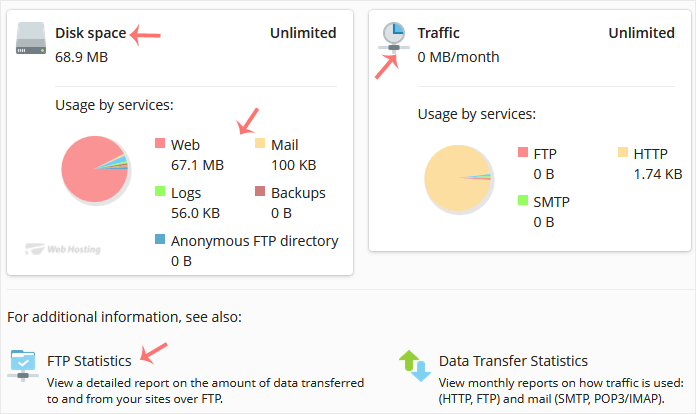
You can also check the detailed statistics of FTP, Data Transfer, and Web Statistics.
- 0 Los Usuarios han Encontrado Esto Útil
Artículos Relacionados
How to Log in to Plesk
A tutorial on how to access the Plesk Control Panel.
After you place an order and make a...
Powered by WHMCompleteSolution